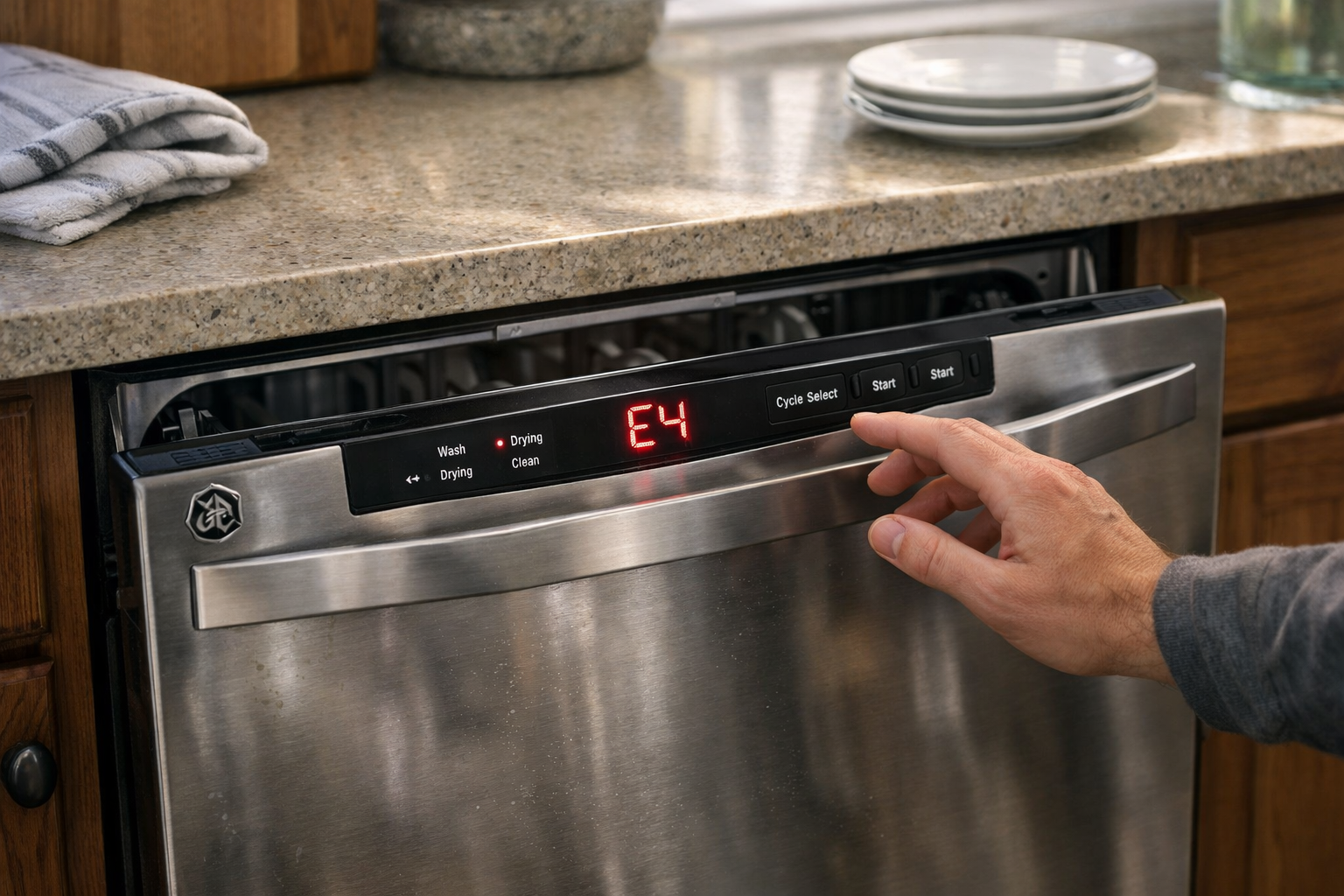
Few things are more frustrating than loading your dishwasher, pressing start, and suddenly seeing a mysterious error code on the display. One minute everything seems fine. The next minute your appliance stops mid-cycle with a confusing message: FTD.
If you’re seeing the GE dishwasher FTD error code, you’re not alone. This code shows up when the dishwasher detects a problem with draining water during the cycle. In simple terms, the machine believes water isn’t leaving the tub the way it should.
I remember encountering this issue for the first time after a big family dinner. The dishwasher had been running quietly for nearly an hour when it suddenly stopped and flashed the FTD code. At first, it looked like a major mechanical failure. But after digging into the problem, the fix turned out to be far simpler than expected.
In this guide, I’ll explain exactly what the GE dishwasher FTD error code means, why it happens, and the most effective ways to troubleshoot and fix the issue. Whether the problem is a clogged filter, blocked drain hose, or faulty drain pump, you’ll learn how to diagnose it step by step.
What the GE Dishwasher FTD Error Code Means
When a GE dishwasher displays the FTD error code, the appliance is reporting a failure to drain properly during the wash cycle. GE dishwashers rely on a precise draining process to remove dirty water after each stage of cleaning. If the system senses that water is still present when it should be gone, the control board triggers this error.
Inside the dishwasher, several components work together to remove water. The drain pump pushes water through the drain hose and out toward the kitchen sink plumbing or garbage disposal. Sensors monitor the process and report back to the electronic control board.
If the system detects that the water level remains too high after a drain cycle, the dishwasher assumes something is blocking or preventing drainage. At that point, it pauses the program and displays the FTD code.
This safety feature exists to protect the dishwasher from flooding or internal damage. Instead of continuing to operate with standing water, the appliance stops and alerts the user to investigate the issue.
Understanding this mechanism helps narrow down the possible causes quickly.
The Most Common Causes of the FTD Error Code
Several issues can trigger the FTD error code, and many of them are surprisingly simple to fix.
One of the most common causes is a clogged dishwasher filter. Food particles, grease, and small debris often collect inside the filter over time. If the filter becomes blocked, water cannot flow freely to the drain pump, causing the dishwasher to believe the drain system has failed.
Another frequent cause is a blocked or kinked drain hose. The drain hose carries wastewater from the dishwasher to the sink plumbing. If the hose becomes bent, crushed, or clogged with debris, the pump struggles to push water through it.
Garbage disposal installations can also create problems. When a new disposal is installed, a small knockout plug must be removed from the dishwasher inlet. If that plug remains in place, the dishwasher cannot drain properly, triggering the FTD error.
In rarer cases, the problem may involve a faulty drain pump or sensor. If the pump motor cannot spin properly, water will remain inside the tub even though the dishwasher attempts to drain.
How to Reset a GE Dishwasher After an FTD Error
Sometimes the FTD code appears because of a temporary glitch rather than a real mechanical problem.
Modern GE dishwashers use electronic control boards that function similarly to small computers. Like any computer, they can occasionally freeze or misinterpret signals from internal sensors.
Resetting the dishwasher often clears these temporary errors. A reset allows the control board to restart its operating system and re-check all internal components.
The easiest way to reset most GE dishwashers is by cutting power to the appliance for several minutes. Turning off the circuit breaker or unplugging the unit forces the control module to reboot completely.
After restoring power, the dishwasher runs its startup diagnostics again. If the drainage system is functioning normally, the error code usually disappears and the appliance resumes normal operation.
Many homeowners are surprised by how often this simple reset resolves the issue.
Checking the Dishwasher Filter and Drain Area
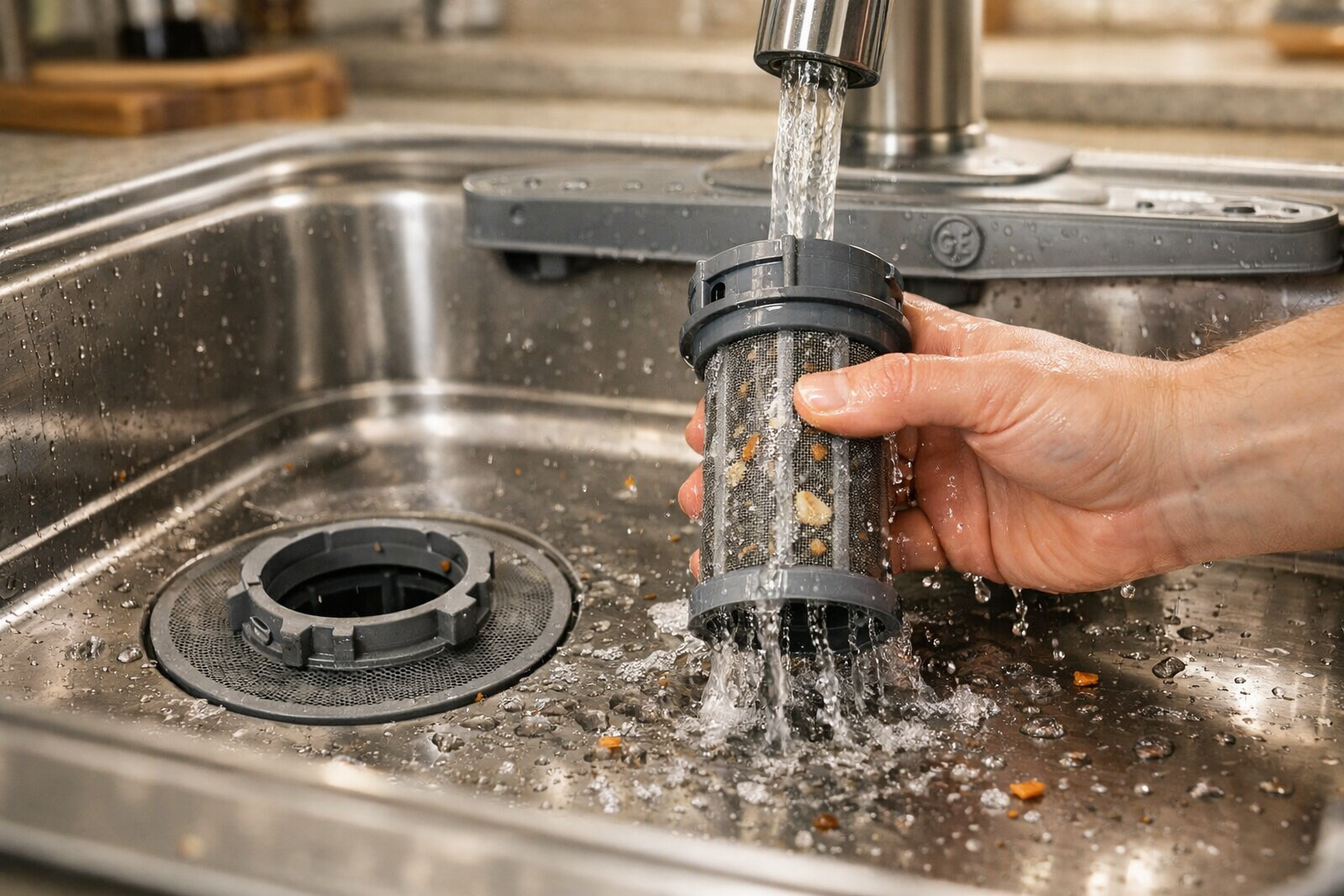
If the error returns after resetting the dishwasher, the next step is inspecting the filter and sump area inside the tub.
Over time, food residue, broken glass fragments, labels from jars, and grease buildup can collect near the bottom of the dishwasher. These materials often block the filter system that protects the drain pump.
I once discovered an entire lemon seed lodged in the filter screen during a similar repair. It seemed insignificant, yet it was enough to disrupt the drainage cycle.
To inspect the filter, remove the lower rack and look at the base of the dishwasher. Most GE models have a removable cylindrical filter that twists out easily. Once removed, rinse it thoroughly under warm water and check for trapped debris.
While the filter is out, examine the sump area for obstructions. Removing buildup from this area allows water to flow freely toward the drain pump again.
Inspecting the Drain Hose and Plumbing Connection
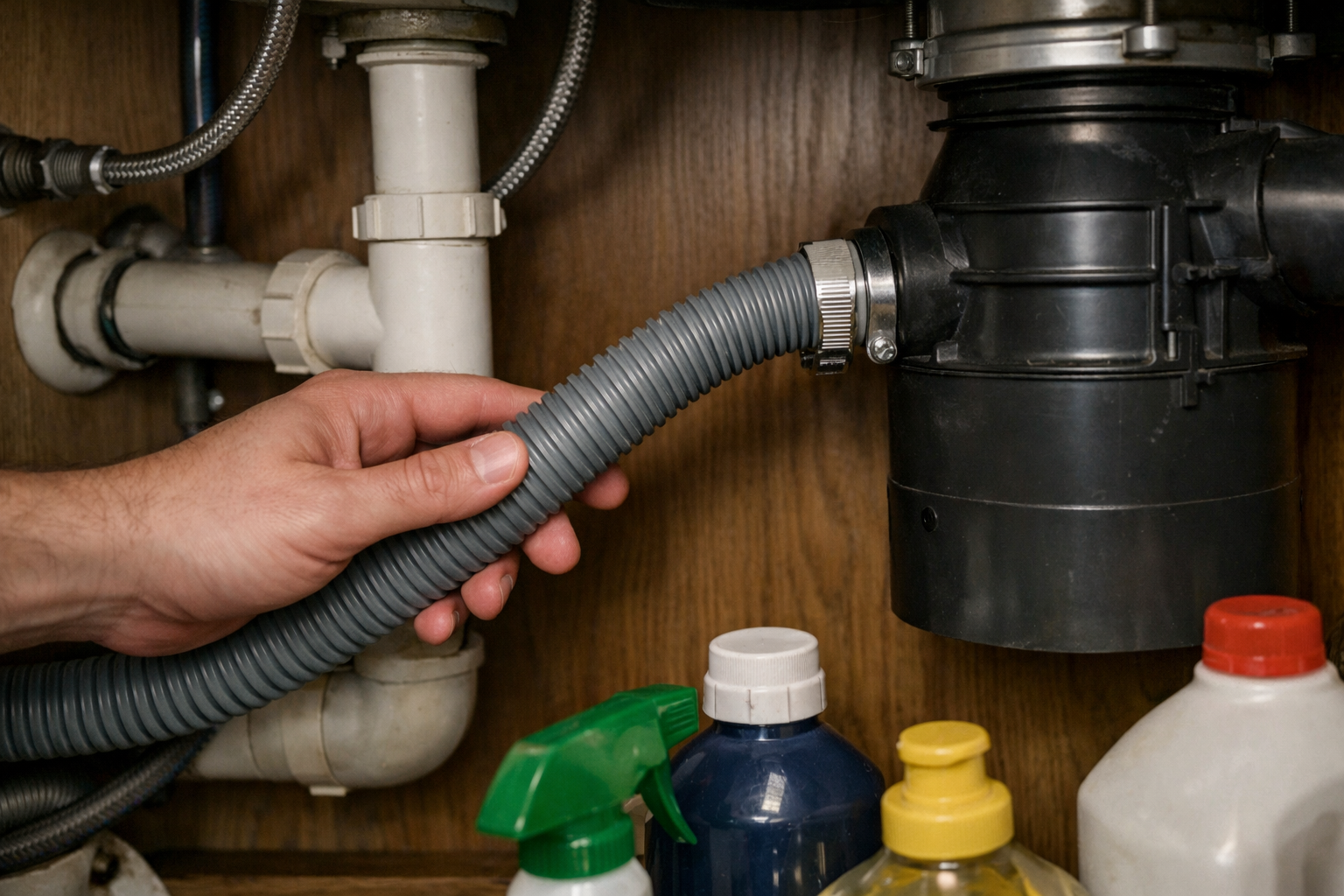
If the filter is clean but the dishwasher still shows the FTD error code, the next suspect is the drain hose system.
The drain hose runs from the back of the dishwasher to the kitchen sink plumbing or garbage disposal. Because this hose is flexible, it can sometimes bend or become pinched when the dishwasher is pushed back into the cabinet.
Even a slight kink in the hose can reduce water flow enough to trigger a drainage error.
Another possibility is a clog forming inside the hose itself. Grease and detergent residue may accumulate over time, gradually narrowing the hose until water struggles to pass through.
Disconnecting the hose and flushing it with water often reveals whether a blockage exists. If water flows freely through the hose, the problem likely lies elsewhere in the drainage system.
When the Drain Pump May Be Failing
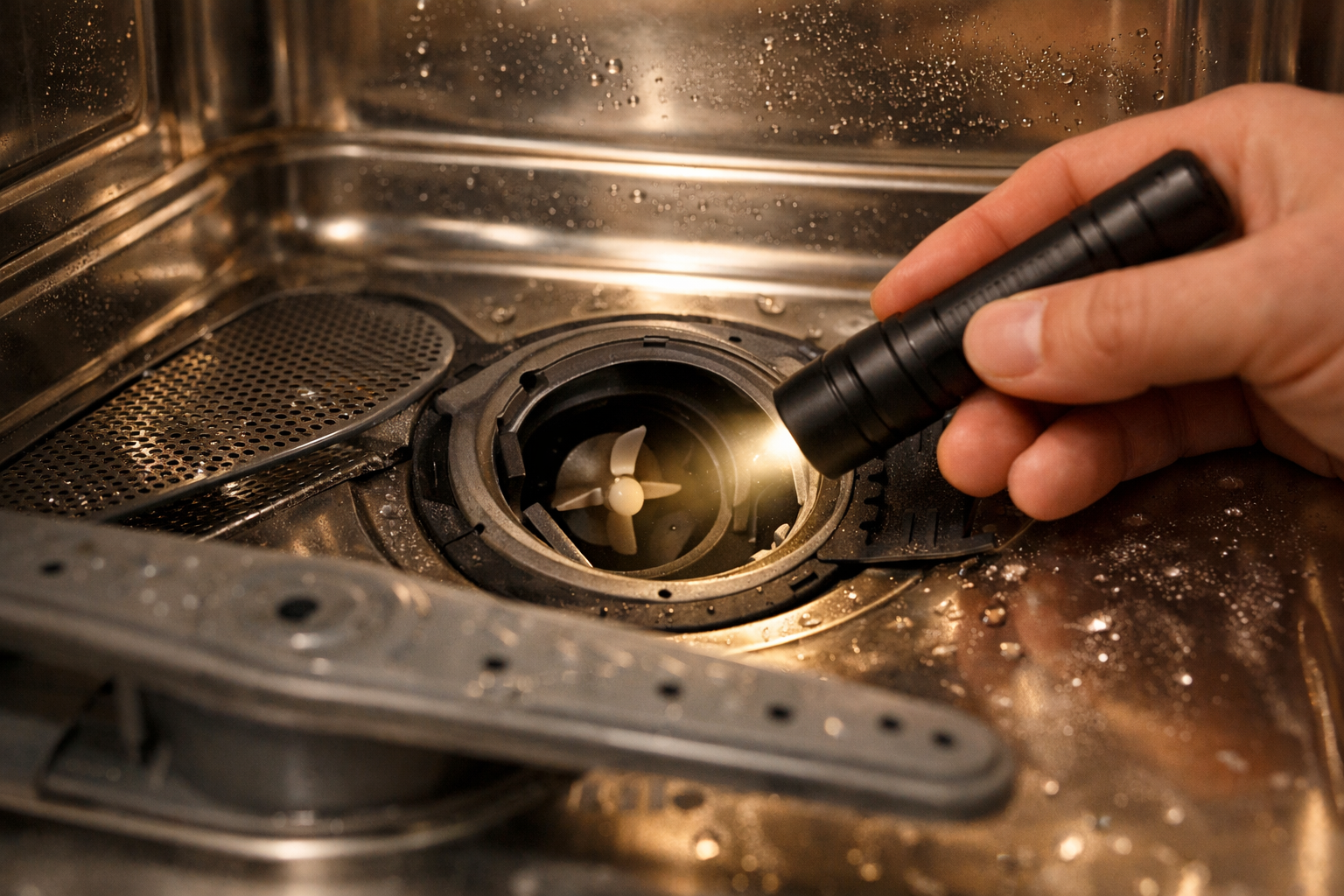
If filters and hoses appear clear but the dishwasher still refuses to drain, the drain pump becomes the next component to investigate.
The drain pump is responsible for pushing wastewater out of the appliance. When it operates correctly, you can usually hear a brief humming or whirring sound during the draining phase of the cycle.
When a pump begins to fail, that sound may change or disappear completely. Sometimes the pump motor runs but cannot generate enough pressure to push water through the drain hose.
Debris can also jam the pump impeller, preventing it from spinning freely. Small bones, seeds, or broken glass fragments sometimes slip past the filter and become trapped inside the pump housing.
In these situations, replacing the drain pump is usually the most reliable fix.
Preventing the FTD Error in the Future
Once you’ve solved the immediate problem, a few simple habits can help prevent the GE dishwasher FTD error code from returning.
Regular maintenance makes a significant difference. Cleaning the dishwasher filter every few weeks prevents food debris from building up and blocking the drainage system.
It also helps to scrape large food scraps from dishes before loading them into the dishwasher. While dishwashers are designed to handle small particles, large chunks of food can overwhelm the filter and pump system.
Running a monthly cleaning cycle using dishwasher cleaner or vinegar can also remove grease buildup from internal components. This keeps hoses, pumps, and sensors functioning efficiently.
With basic maintenance, most GE dishwashers operate for years without experiencing drainage-related errors.
Conclusion
Seeing the GE dishwasher FTD error code can be alarming at first, but in most cases the solution is straightforward. The code simply indicates that the dishwasher is struggling to drain water properly during the cycle.
Clogged filters, blocked drain hoses, and temporary control board glitches are among the most common causes. Fortunately, these issues are often easy to diagnose and fix with simple troubleshooting steps.
In my experience, starting with the basics—resetting the dishwasher, cleaning the filter, and checking the drain hose—solves the majority of FTD error problems.
With a little investigation and routine maintenance, your GE dishwasher can return to running quietly and efficiently for many more cycles ahead.